



NoteCable Spotify Downloader vs Online Spotify Downloader
| FEATURE | NoteCable Spotify Downloader | Online Spotify Downloader |
|---|---|---|
| Ad-Free | ✓ | ✗ |
| Batch Playlist Download | ✓ | ✗ |
| 320kbps | ✓ | ✗ |
| Spotify Lossless | ✓ | ✗ |
| 40X Speed | ✓ | ✗ |
| Unlimited Download | ✓ | ✗ |
| Output Format | MP3 AAC WAV FLAC AIFF ALAC | MP3 only |
| Highest Quality | 320kbps lossless | Lossy |
| Supported Audio Types | Song Album Playlist Podcast Audiobook Radio | Song only |
| Customization | Output Format, Output Folder, Audio Quality, File Naming, Language, Dark/Light Skin | ✗ |
| ID3 Tags Kept | Title Artist Album Track Number Genre Year Art Cover Lyrics ... | Title, Artist (with site name) |
| Extra Tools | AA/AAX Converter, Format Converter, CD Burner, Audio Editor, Tag Editor, ... | ✗ none |
| Supported OS | Windows macOS | All Browsers cross‑platform |
Own Your Spotify Music Forever
Download Spotify music to your local storage.

Lossless Quality
Get 320kbps & lossless Spotify songs to your computer.

Keep ID3 tags
Preserve complete metadata and full ID3 tags.

Bulk Download
Batch download entire playlists at 40x faster speed.

7/24 Support
Free technical and 7/24 customer support.
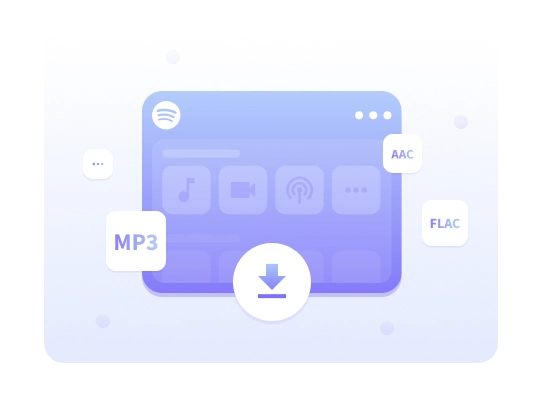
Download Anything from Spotify to MP3 or Other Formats
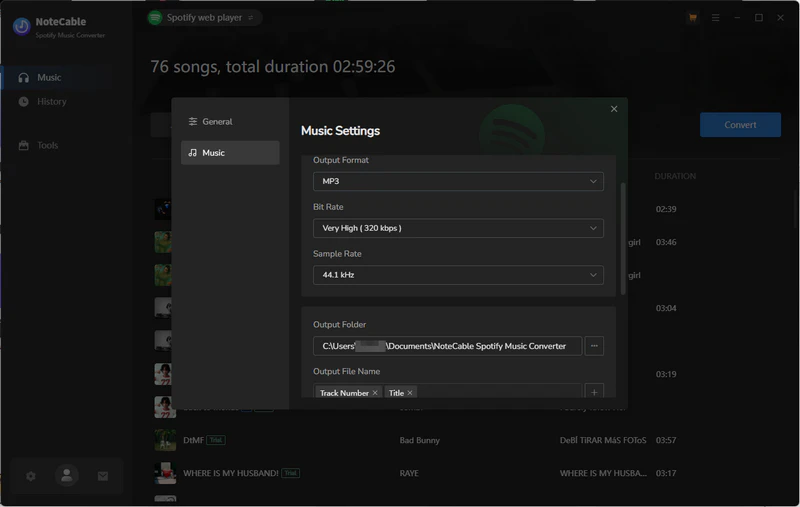
NoteCable Spotify to MP3 Downloader lets you save Spotify songs, playlists, albums, podcasts, audiobooks, radios, and more to your computer in MP3, AAC, WAV, FLAC, AIFF, or ALAC formats. Enjoy unlimited offline listening, keep your music forever, or transfer downloads to iPod, DJ software, USB drives, car players, or any other device.
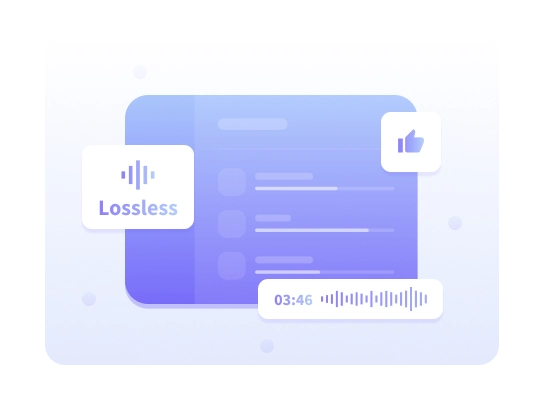
Get Original Spotify Sound in Lossless Quality
Download original Spotify sound rather than YouTube recordings or other sources. Export music with bit rates up to 320kbps, or choose recommended lossless formats with 16‑bit or 24‑bit depth and sample rates up to 192kHz, preserving accurate track versions and full sound detail. NoteCable Spotify Downloader delivers high‑quality Spotify music for true listening enjoyment.
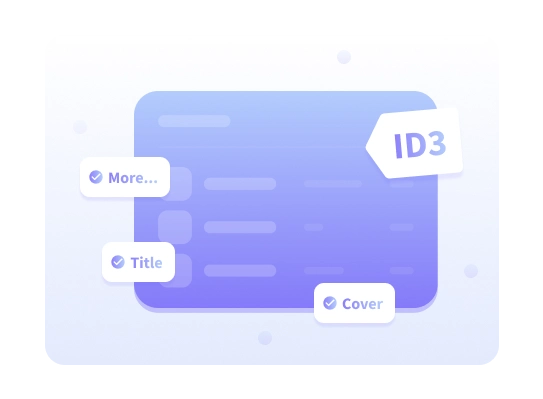
All ID3 Tags Included, Album Art Intact
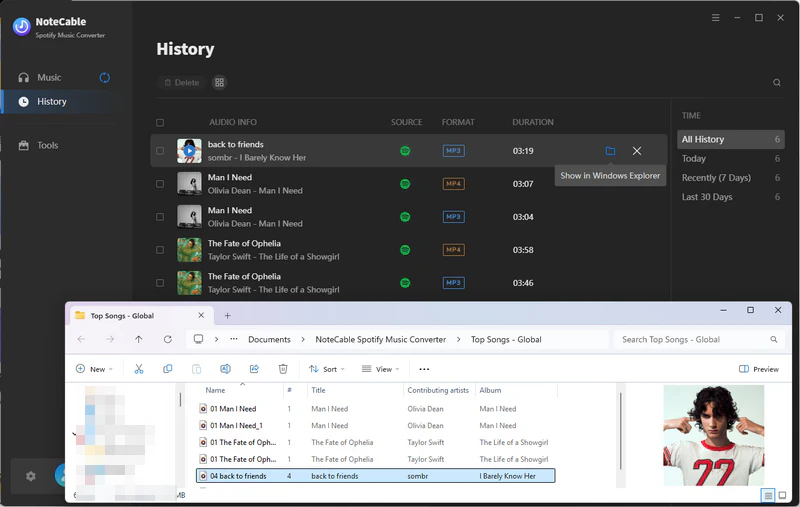
In general, each track contains information, called metadata, that identifies and tags the track. NoteCable Spotify Downloader has the ability to automatically save the downloaded music with ID3 tags preserved, including title, album, artist, artwork, genre, track number, year, etc. Therefore, you can organize the music library efficiently. In addition, it locally supports tools to edit ID3 tags in the "Tools" feature.
Lightning‑Fast Batch Downloads at Up to 10× Speed
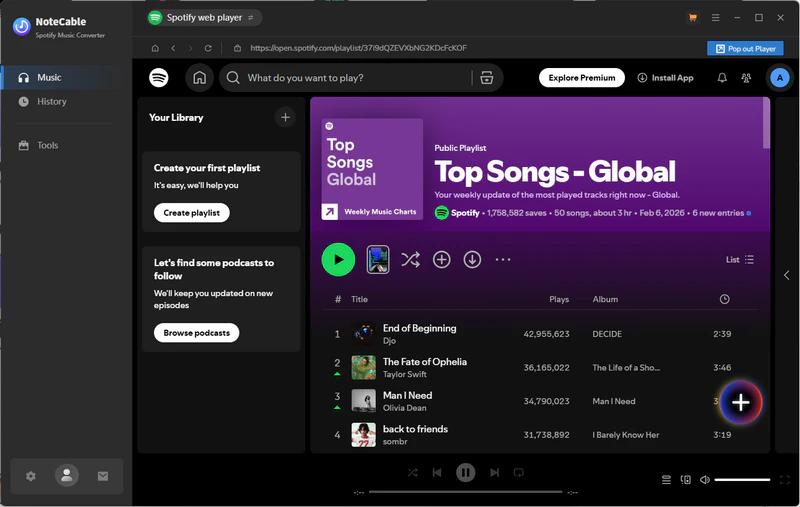
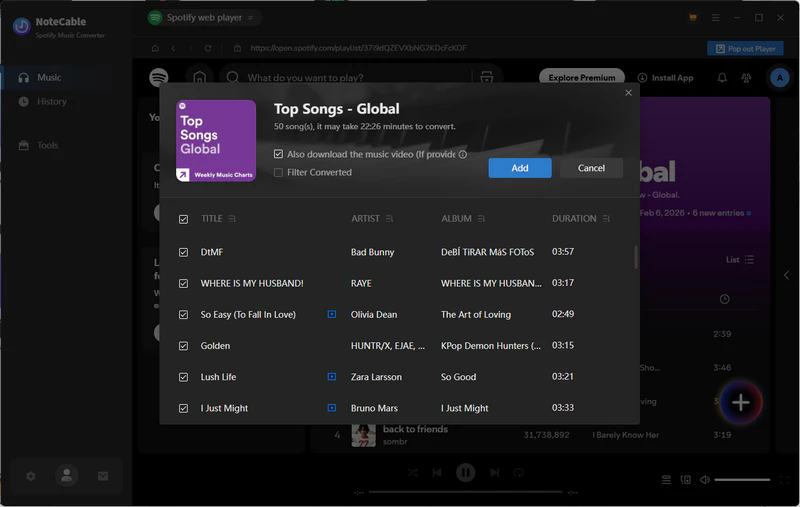
Download and convert massive Spotify playlists at up to 10× speed. Process thousands of tracks in a single session and export them as MP3 files. It is designed for stable, large playlist conversion without performance drops. Say goodbye to tedious one-by-one downloads and convert entire Spotify playlists in a single click to enjoy hassle-free offline access.
Take Spotify Offline — Unlimited Access on All Devices
NoteCable Spotify Downloader converts Spotify music into local files in just a few simple steps. It allows music to be downloaded for offline and permanent access, and transferred to devices like MP3 players, mobile phones, computers, PS4, Apple Watch, DJ software, tablets, or USB sticks for easy playback anytime, anywhere.
Download Full Spotify Playlists with NoteCable




Why Users Keep Recommending NoteCable
Feels Much Safer!
The download process felt stable and clean, without the usual pop-ups or weird redirects. Batch downloading my playlists was smooth, and everything saved locally without issues.

Aaliyah Brown
Saved Me a Lot of Time!
Didn’t expect the process to be this fast. Large playlists downloaded in one batch without needing constant checking. It made moving my music offline surprisingly simple.

Jordan Thompson
Works for 1,000+ Song Playlists!
Downloading over 1,000 songs sounded like a headache, but it turned out to be pretty straightforward. Everything transferred properly, which was a big relief.

Emily Parker
Finally Got the Full Playlist!
Really happy that the entire Spotify playlist downloaded completely. The batch conversion ran steadily, and nothing seemed to be missing. It made backing up music much less stressful.

Ethan Miller
Very Easy to Use!
The layout is clean and simple. Adding playlists and starting a batch download only takes a few clicks. Even without technical knowledge, the steps are clear and easy to follow.
